

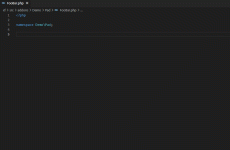
The following (language).json snippets are included:
- css
- html
- javascript
- php
To install:
- Extract the zip file to your local computer containing the above (language).json files.
- In VS Code, go to
File > Preferences > User Snippets - Select the Existing or New Snippet (language) to edit
- Copy the contents of the relevant extracted file and paste into the VS Code editor for the
(language).jsonsnippet. - Save the
(language).jsonfile
For more information on Visual Code Snippets: Snippets in Visual Studio Code


