

Description:
Deletes all profile banners.
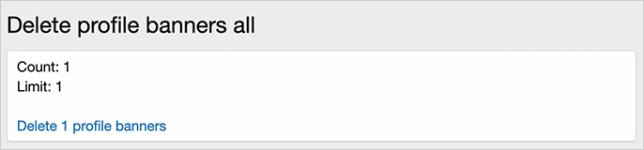
(Example of Delete profile banners all page)
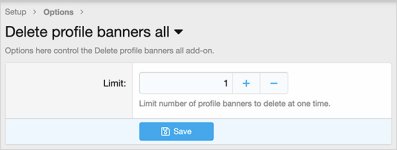
(Example of Options page)
Features:
Add 'deleteprofilebannersall' after your forum URL. Click the link to delete profile banners.
Questions and Answers:
Q: Who can run this add-on?
A: Only admins can run this add-on.
Deletes all profile banners.
(Example of Delete profile banners all page)
(Example of Options page)
Features:
- All phrases start with deleteprofilebannersall_ for your convenience.
Add 'deleteprofilebannersall' after your forum URL. Click the link to delete profile banners.
Questions and Answers:
Q: Who can run this add-on?
A: Only admins can run this add-on.


