

Description:
Shows a list of manuals contained in specified directory.
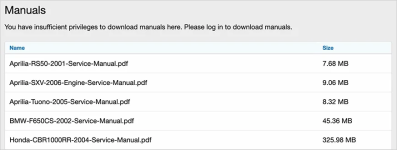
(Example without view permission)
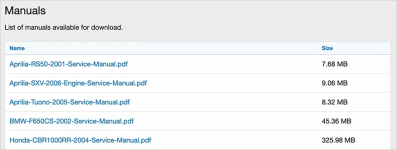
(Example with view permission)
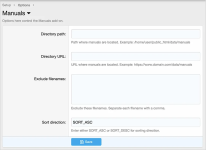
(Example of options page)
(Example of user group permissions)

Features:
All phrases start with manuals_ for your convenience.
Setup:
Shows a list of manuals contained in specified directory.
(Example without view permission)
(Example with view permission)
(Example of options page)
(Example of user group permissions)
Features:
All phrases start with manuals_ for your convenience.
Setup:
- Create a folder in your data directory called manuals.
- Update the options page with path and URL information.
- Set user group permissions.
- Upload PDF files to the manuals directory.
- Edit phrase
manuals_description_no_permissionif you require log in or premium account to download.


