

Description:
Creates a news tab for easy reading of selected RSS feeds.
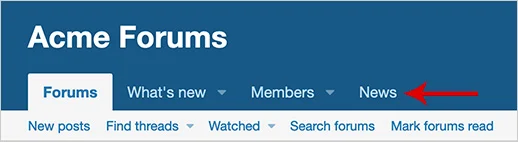
(Example of News tab)
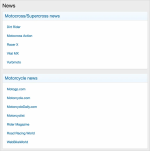
(Example of News page)
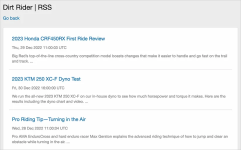
(Example of news feed page)
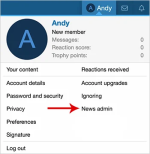
(Example of News admin link)
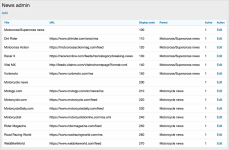
(Example of News admin page)
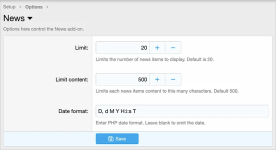
(Example of User group permissions)

Features:
All phrases start with news_ for your convenience.
User group permissions:
By default User group permissions are set.
Database changes:
A new table called xf_andy_news is created in your database.
Questions and answers:
Q: How can I change the position of the New tab?
A: Go to the following location:
Admin control panel -> Setup -> Public navigation -> News -> Display order
Creates a news tab for easy reading of selected RSS feeds.
(Example of News tab)
(Example of News page)
(Example of news feed page)
(Example of News admin link)
(Example of News admin page)
(Example of User group permissions)
Features:
All phrases start with news_ for your convenience.
User group permissions:
By default User group permissions are set.
Database changes:
A new table called xf_andy_news is created in your database.
Questions and answers:
Q: How can I change the position of the New tab?
A: Go to the following location:
Admin control panel -> Setup -> Public navigation -> News -> Display order


