

Description:
Allows members to add a profile photo to their profile page.
(Example of Profile page showing location of Edit profile photo button)

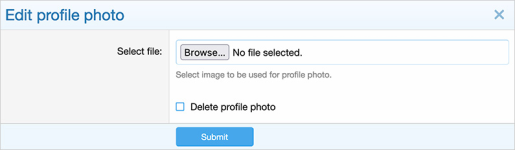
(Example of Edit profile photo overlay)
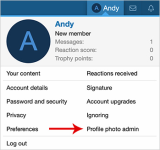
(Example of Profile photo admin link)
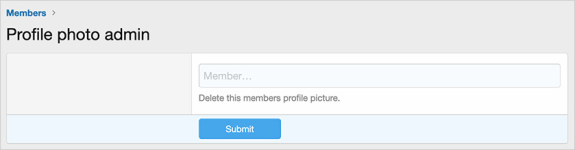
(Example of Profile photo admin page)
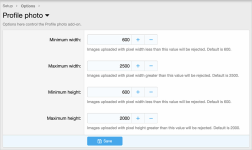
(Example of Options page)
(Example of User group permissions)

Features:
The following user group permissions are automatically set during installation.
Administrative: Admin = Yes
Registered: View = Yes
Unregistered / Unconfirmed: View = Yes
Database changes:
Adds a column called andy_profile_photo_date to your xf_user_profile table.
File directory changes:
Adds a directory called profile_photos in the data directory. If you uninstall the Profile photo add-on, the profile_photos directory is automatically deleted.
Allows members to add a profile photo to their profile page.
(Example of Profile page showing location of Edit profile photo button)
(Example of Edit profile photo overlay)
(Example of Profile photo admin link)
(Example of Profile photo admin page)
(Example of Options page)
(Example of User group permissions)
Features:
- Allows adding a profile photo to your profile page.
- Images are automatically optimized.
- Clicking on profile photo opens up full size image in a lightbox.
- All phrases start with profilephoto_ for your convenience.
The following user group permissions are automatically set during installation.
Administrative: Admin = Yes
Registered: View = Yes
Unregistered / Unconfirmed: View = Yes
Database changes:
Adds a column called andy_profile_photo_date to your xf_user_profile table.
File directory changes:
Adds a directory called profile_photos in the data directory. If you uninstall the Profile photo add-on, the profile_photos directory is automatically deleted.


