![[vbresults.com] Post Keyword Alerts](/data/resource_icons/2/2016.jpg?1790119104)
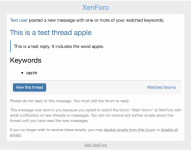
This add-on lets you receive e-mail notifications when new posts match your keywords.
Installation Instructions
- Go to: Admin > Add-ons > Install/upgrade from archive
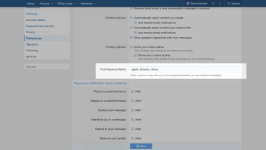
Import/install the attached add-on zip - Go to: Admin > Users > User customization > Custom user fields
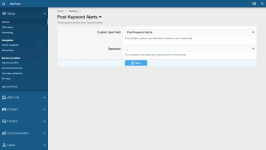
Add a new editable text field for keywords and Save - Go to: Admin > Setup > Options > Post Keyword Alerts
Select the field you created in Step #2 and Save - Go to: Admin > Groups & permissions > User groups
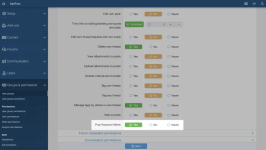
Select a group, and under Forum permissions > Post Keyword Alerts, select 'Yes' and Save
Note: This step has to be repeated for every group that can receive alerts!