

Thanks to this plugin, you can customize profile fields in messages. You can achieve the look you want, thanks to the features found on the [-HBL-] Message Profile page in the Theme properties area of the Admin panel.
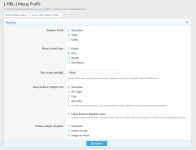
Plugin features:
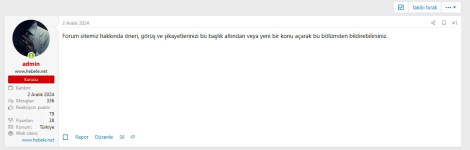
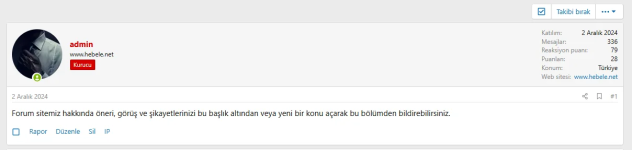
It offers 3 different profile areas: Default, Horizontal and Classic.
Default profile view:
Horizontal profile view:
You can change the Message Avatar Size and define a custom size for the avatars.
Small avatar view:
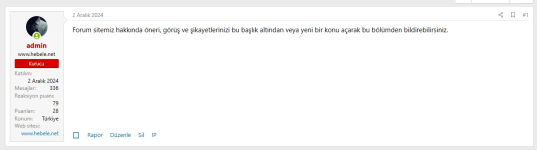
Medium avatar appearance:
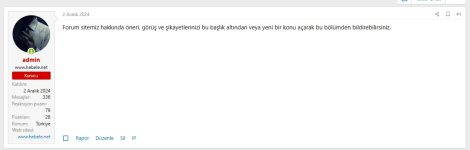
Custom size avatar skin:
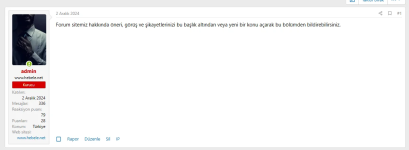
You can change the user information field to default, underline, box, and separate box.
You can add an on/off feature for user information in the message profile.
You can set user information titles as text only, icon only and icon title.
Plugin features:
It offers 3 different profile areas: Default, Horizontal and Classic.
Default profile view:
Horizontal profile view:
You can change the Message Avatar Size and define a custom size for the avatars.
Small avatar view:
Medium avatar appearance:
Custom size avatar skin:
You can change the user information field to default, underline, box, and separate box.
You can add an on/off feature for user information in the message profile.
You can set user information titles as text only, icon only and icon title.


